
Live usage for Bayanat plans is shown in the app (data used / remaining, validity, unlimited day status). Phone Settings show device-level cellular stats and may not match prepaid plan balance exactly — trust the app for top-up decisions.
Before you start
- Bayanat app installed and signed in on the account that owns the eSIM.
- Internet available (Wi‑Fi or mobile) so the app can refresh usage.
- Know which eSIM / plan you want to check if you have more than one.
Open My eSIMs in the app
Launch Bayanat → My eSIMs (or eSIMs). Tap the active plan card. The details screen shows data remaining, validity / days left, plan type (Bundle, Unlimited, LifeTime), and last update time.
Refresh if numbers look stale
Pull down to refresh, or leave the screen and reopen. Usage updates after the network reports traffic — it can lag a few minutes after heavy use. Unlimited Daily plans show the day window rather than a GB tank.
Optional — iPhone Settings
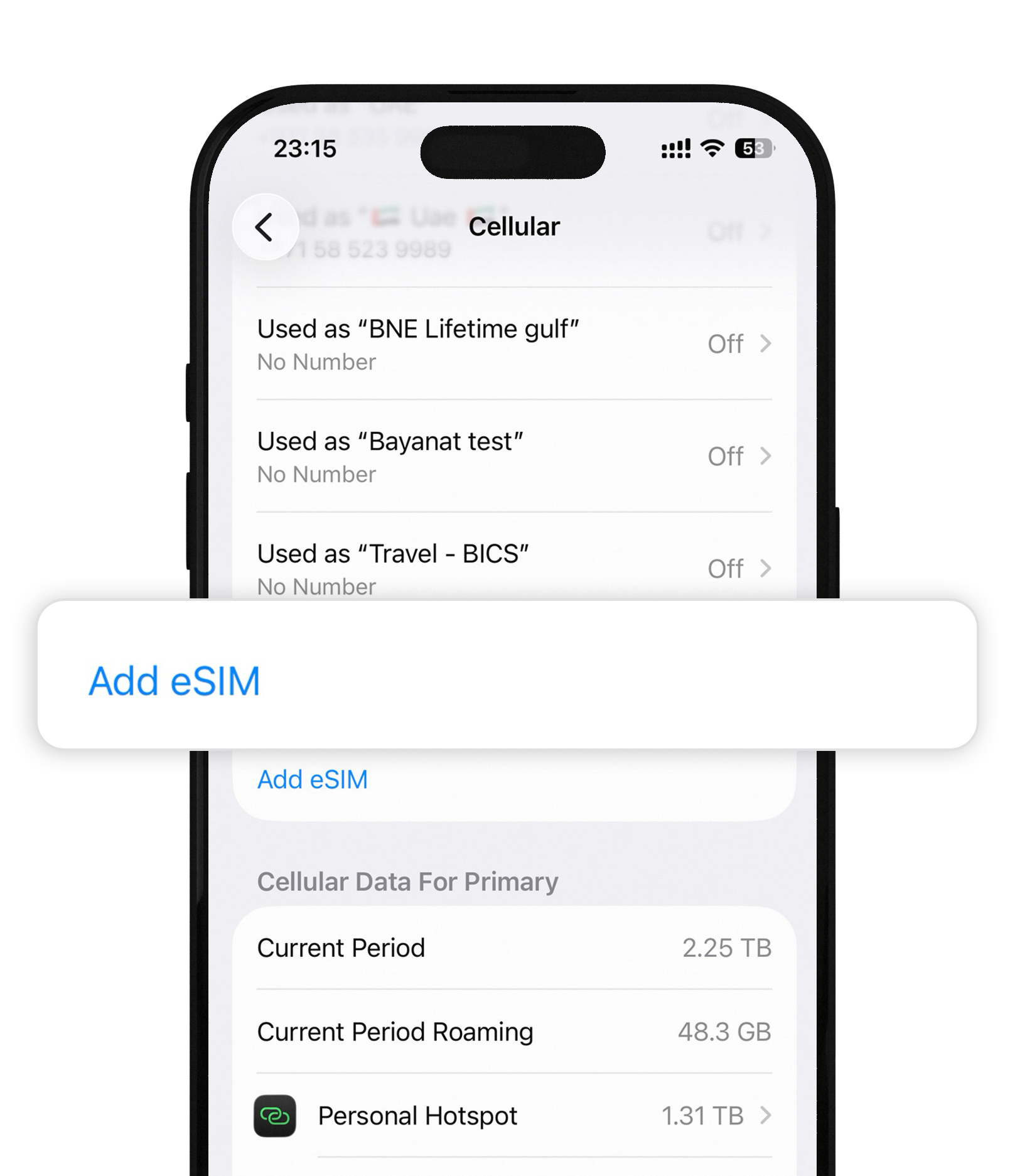
Settings → Cellular → scroll to Cellular Data for the period, or tap the Bayanat line for per-line stats. Useful as a rough check; the Bayanat app remains the source of truth for prepaid remaining data.
Optional — Android Settings
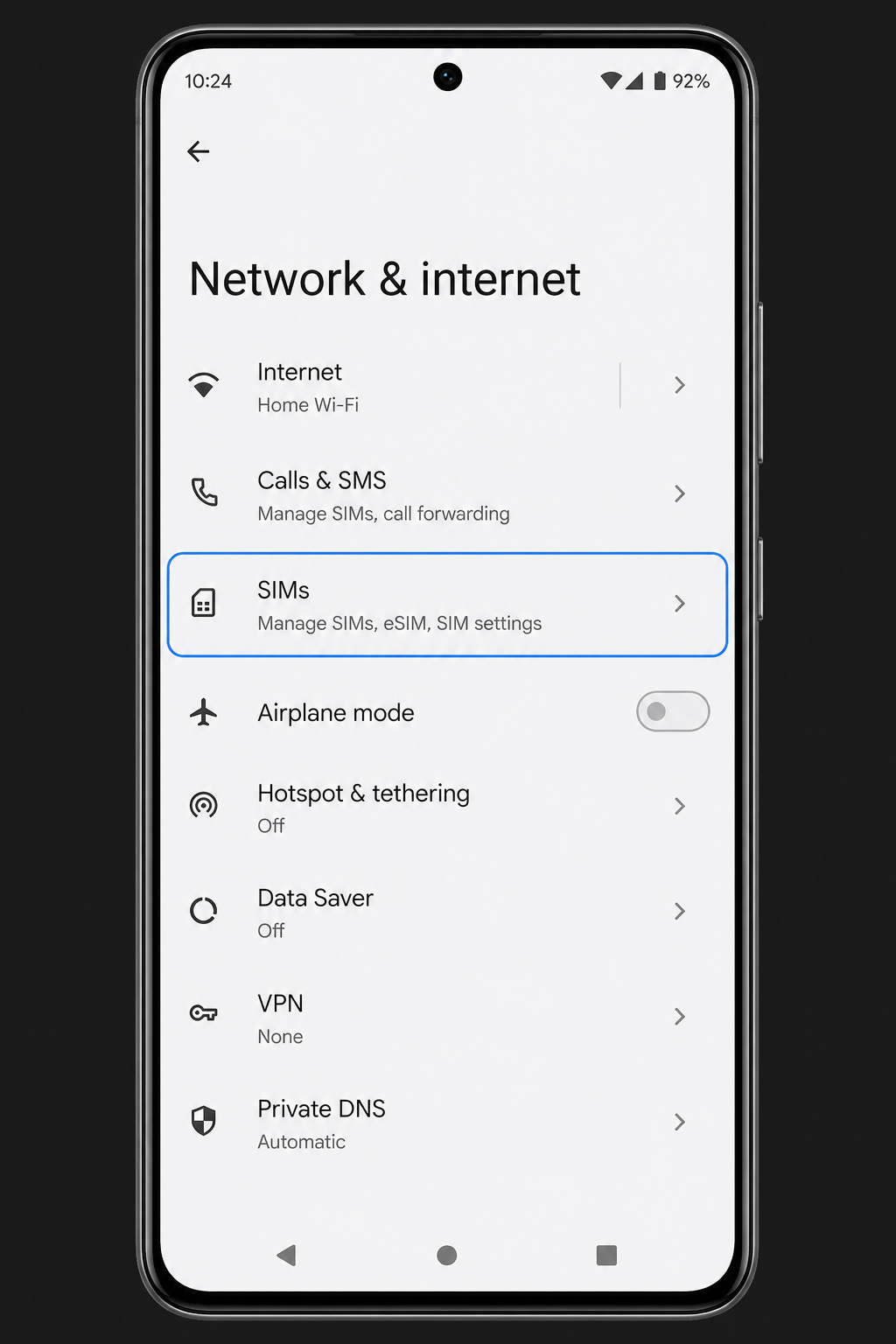
Settings → Network & internet → SIMs / Mobile network → Data usage (or App data usage). Again, use the Bayanat app when deciding to top up.
After install
- Low on data? Open Top up in the app — usually no new QR needed.
- Unlimited plan feeling slow? Check fair-use / full-speed allowance in plan details, then see Troubleshooting if needed.
Quick answers
Why doesn’t phone usage match the app?
OS counters include all traffic on that line and reset on different cycles. Bayanat tracks your purchased plan balance. Use the app for remaining GB and expiry.
Usage shows zero after I landed
Many plans start on first connect in-country. Enable Data Roaming on Bayanat, set it as the data line, then refresh the app after a minute online.
Our team replies 24/7 — include your order email and a screenshot if you can.