
iPhone
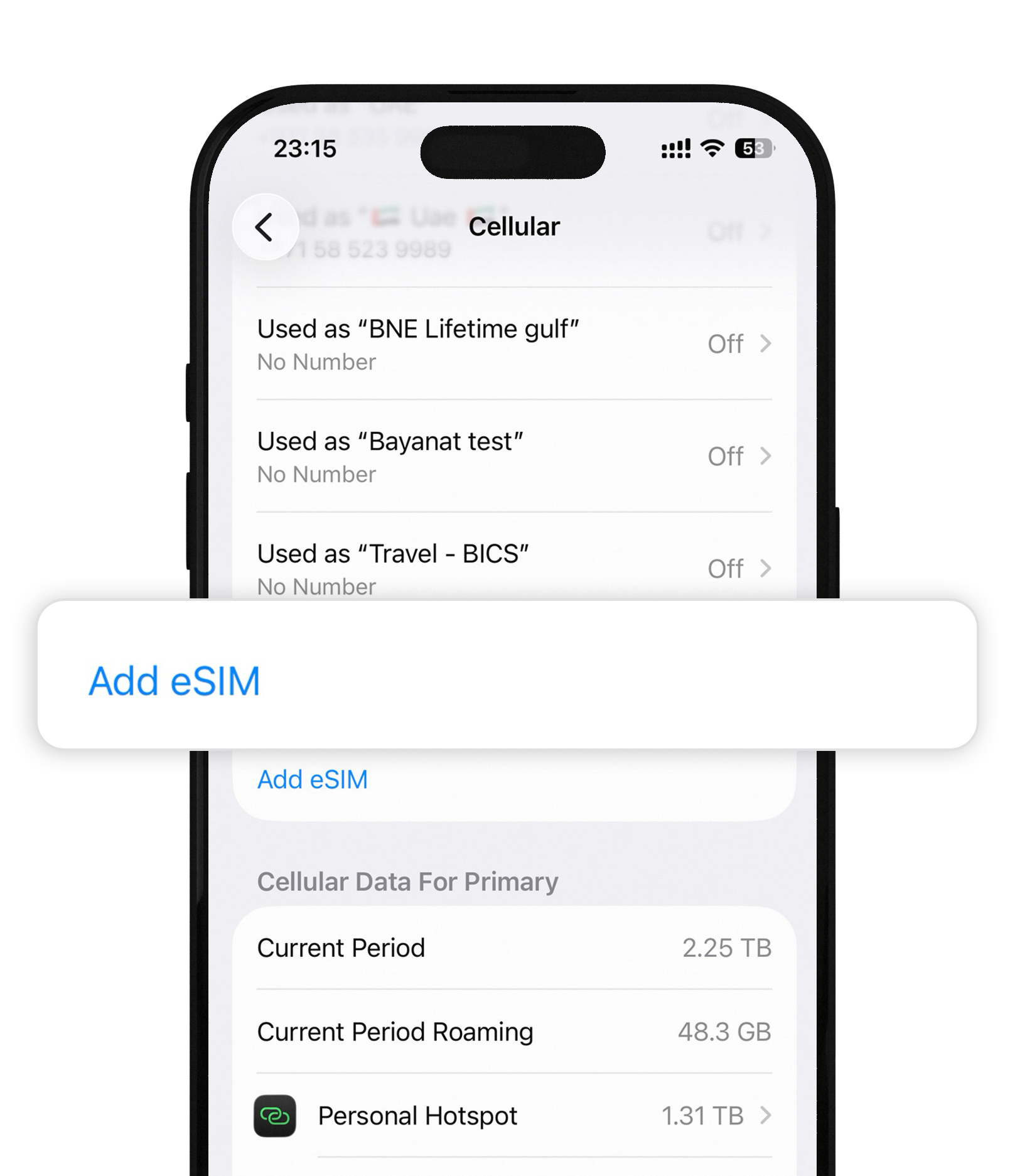
Install eSIM on iPhone
Add Cellular Plan, scan your Bayanat QR, and go live in about two minutes.
2 min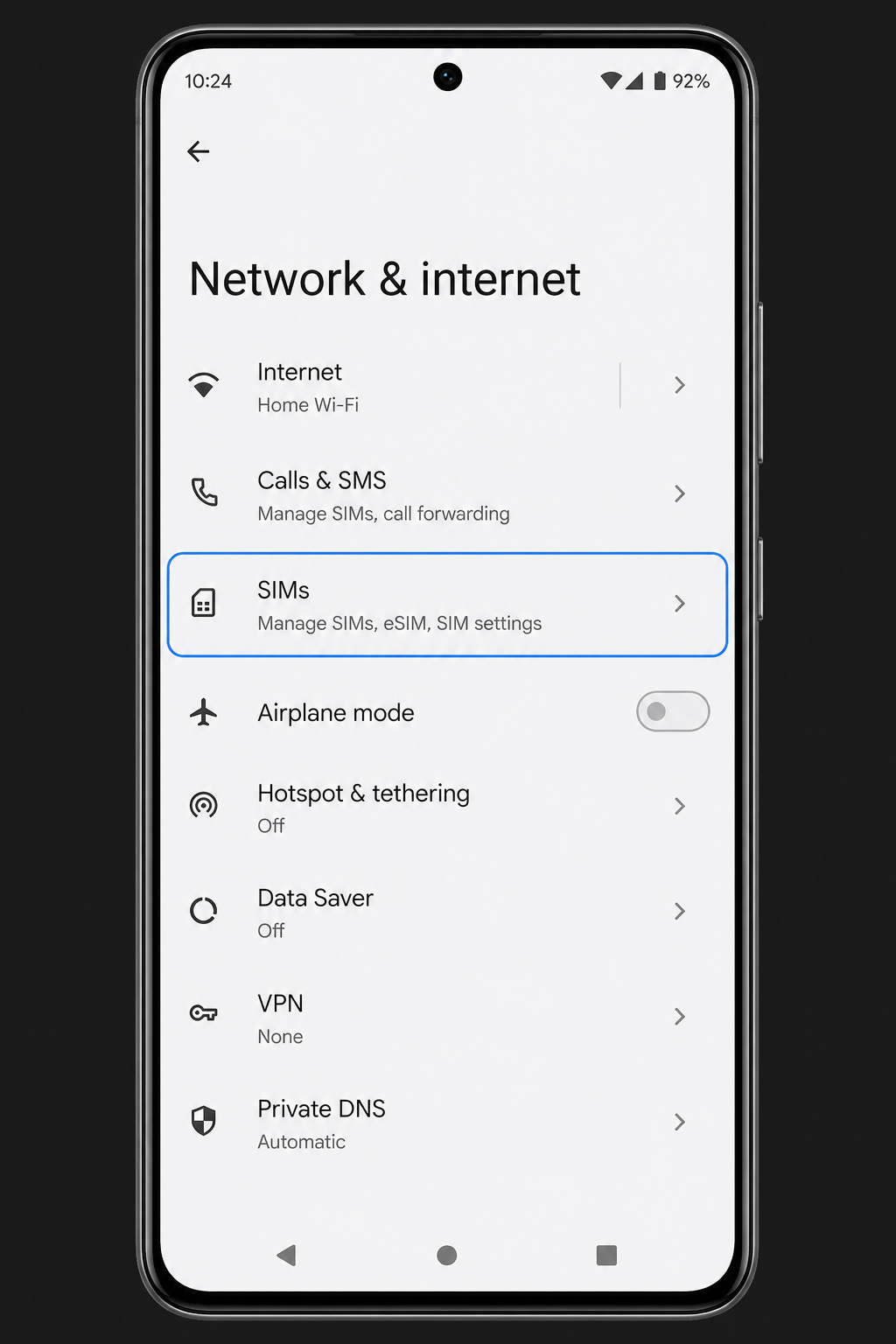
Android
Install eSIM on Android
Network & internet → SIMs → download / scan QR. Menu names vary by brand.
2–3 min
Setup
Enable data roaming
Turn roaming ON for the Bayanat line — and OFF on your home SIM to avoid bills.
1 min
Setup
Turn on Personal Hotspot
Share Bayanat data with a laptop or second phone when your plan allows tethering.
1 min
Setup
Switch between SIMs & networks
Move cellular data to Bayanat, or manually pick a stronger partner carrier.
2 min
Plans
Check current data usage
See remaining GB, unlimited days, and validity in the Bayanat app.
1 min
Coverage
Check supported carriers
View partner networks for your plan in the app before you fly or when signal is weak.
1 min
Plans
Top up or buy another plan
Add data or days in the app without installing a second eSIM profile.
1 min
Fix
Fix activation & no-internet issues
Stuck on Activating, Unable to Activate, or connected but no data — quick fixes.
3 min